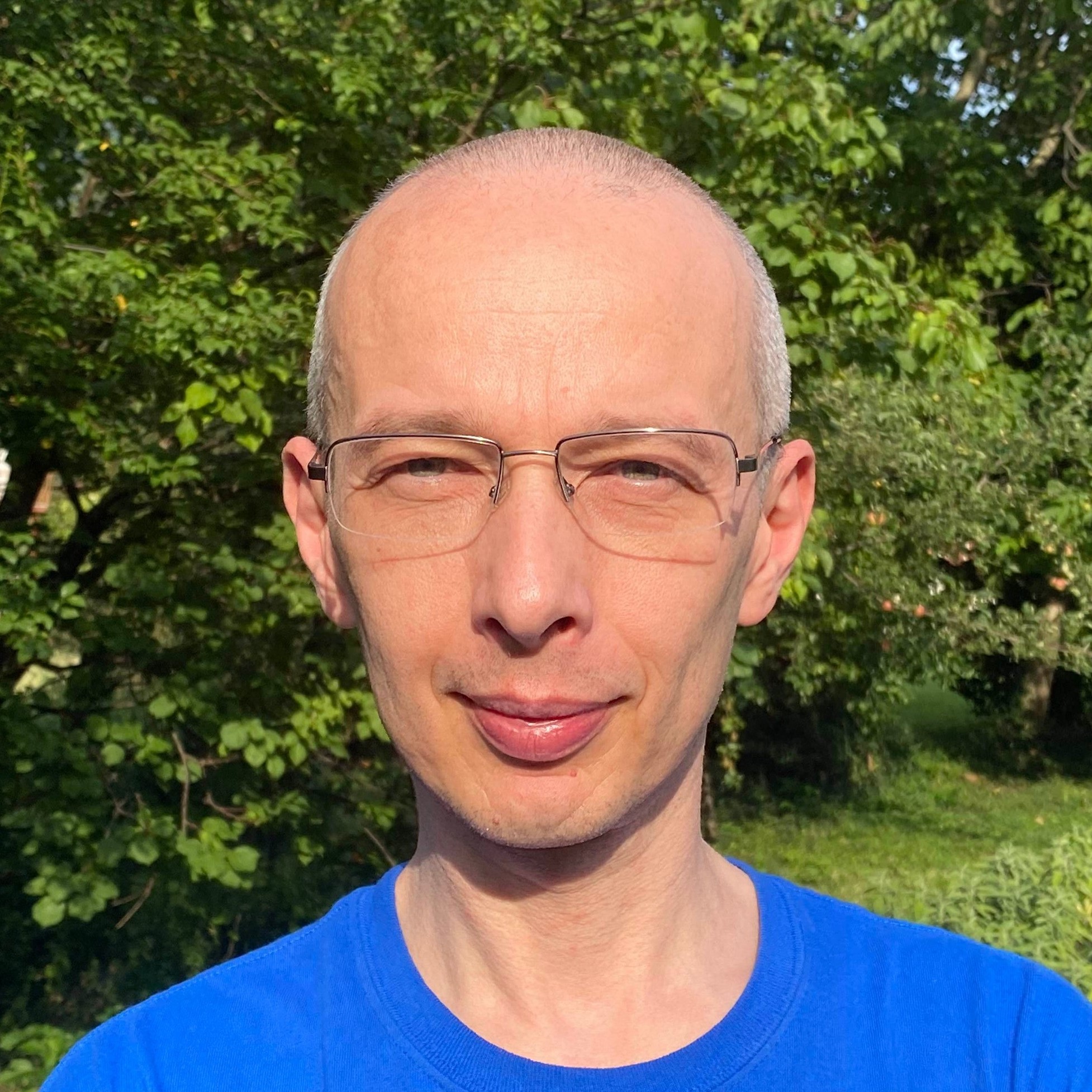
Davide Zordan
Senior Software Engineer
Home
Slides and code from my session about AR/VR and point clouds at Global XR Conference 2022
Slides from my session at Global XR Conference 2021
Analysing Unity projects using NDepend v2021.1
Slides and code from my session at NDC London 2021
Slides and code from my session about AR/VR at DDD North 2020 conference
Slides and code from my Virtual Reality session at DDD Reading 2019
Slides and code from my Windows Mixed Reality session at DDD Reading 2018
Analysing .NET Core applications using NDepend
Experiments with HoloLens, Mixed Reality Toolkit and two-handed manipulations
Analysing visual content using HoloLens, Computer Vision APIs, Unity and the Mixed Reality Toolkit
Exploring Windows Mixed Reality, switching between 2D / 3D and embedding Web Views
Experiments with HoloLens, Bot Framework and LUIS: adding text to speech
Microsoft Bot Framework: using a LuisDialog for processing intents
Experiments with HoloLens, Bot Framework, LUIS and Speech Recognition
Microsoft Bot Framework: showing a welcome message at the start of a new conversation
Validate input in Xamarin.Forms using INotifyDataErrorInfo, custom Behaviors, Effects and Prism
Using Prism modularization in Xamarin.Forms
Xamarin.Forms: using the PanGestureRecognizer
rss
facebook
twitter
github
gitlab
youtube
mail
spotify
lastfm
instagram
linkedin
google
google-plus
pinterest
medium
vimeo
stackoverflow
reddit
quora
quora
mastodon